Excel vs Google Sheets for Small Business: Which Is Better?
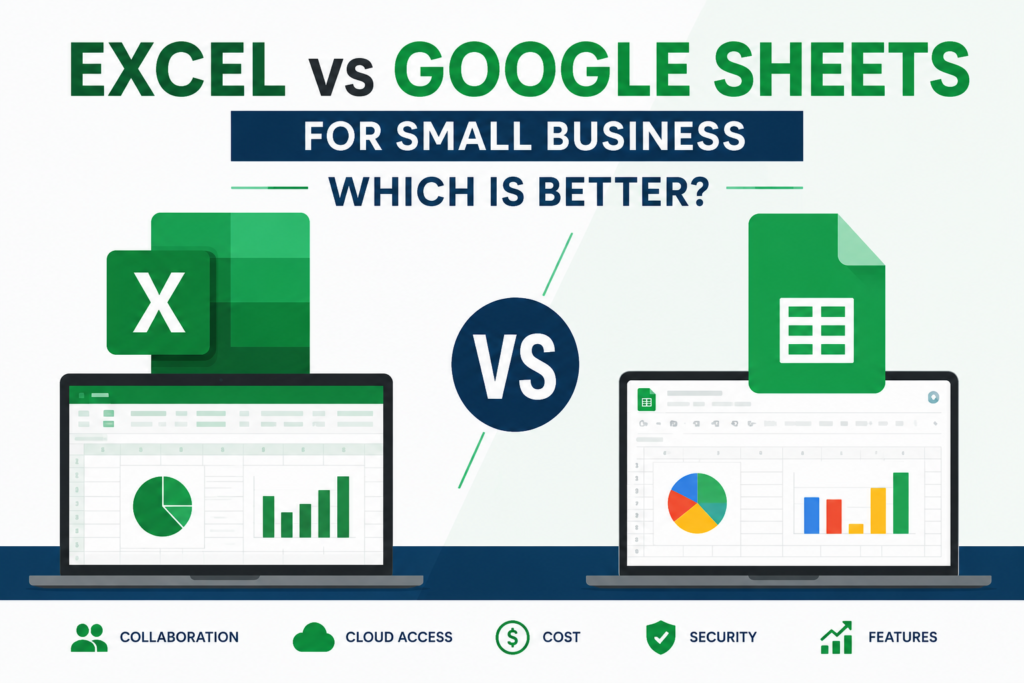
Choosing the right spreadsheet software dictates how your team manages data, tracks finances, and collaborates on a daily basis. When evaluating Excel vs Google Sheets for small business operations, the choice almost always comes down to these two heavyweights.
Both platforms are exceptionally capable, but they are built for fundamentally different workflows. Excel is a desktop-first powerhouse designed for massive datasets and complex financial modeling. Google Sheets is a cloud-native platform built for real-time collaboration, agility, and cross-application integration.
To determine which spreadsheet application best fits your business, you need to align their technical capabilities with your specific operational bottlenecks.
Table of Contents
The Core Difference: Cloud Agility vs. Processing Power
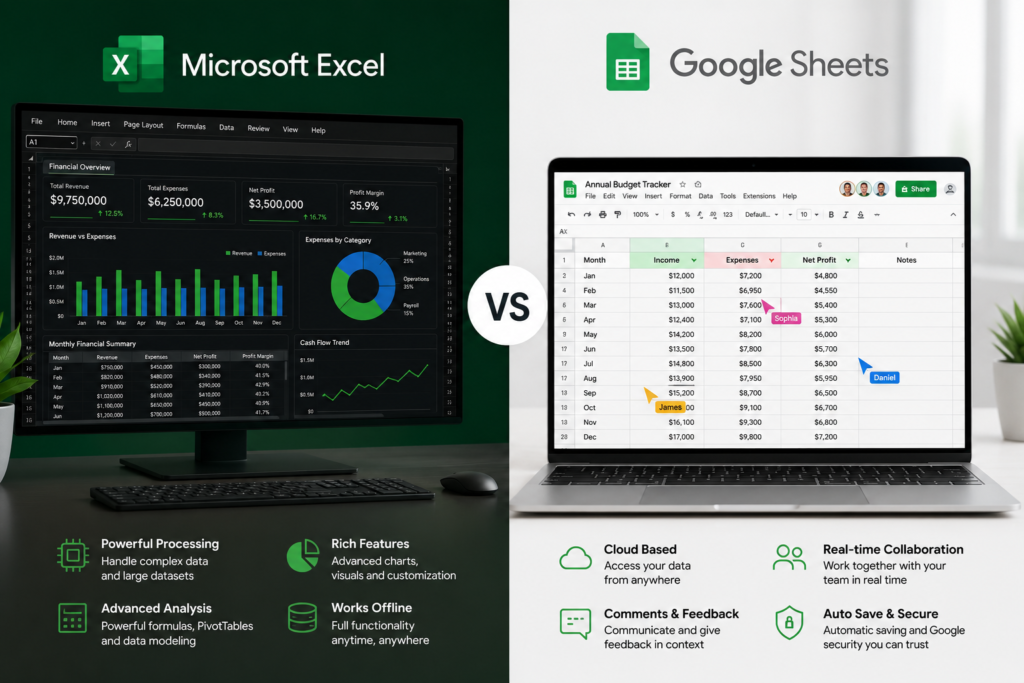
Before diving into specific features, the overarching distinction between the two lies in architecture. Microsoft Excel relies on your local computer’s processing hardware. This allows it to crunch millions of rows of data without stuttering, making it the undisputed standard for financial analysts and data scientists. Google Sheets operates entirely in your web browser. It leverages Google’s cloud servers, meaning multiple people can edit the exact same document simultaneously without creating file version conflicts. However, it lacks the raw computational horsepower of a local desktop application.
Read Also: Is It Time To Stop Using Spreadsheets For Your Business?
| Feature | Microsoft Excel | Google Sheets |
| Primary Strength | Raw processing power and advanced modeling | Real-time collaboration and cloud accessibility |
| Row Limit | 1,048,576 rows per worksheet | 10 million cells per workbook |
| Best For | Heavy financial modeling, large inventory databases | Remote teams, basic CRMs, shared project trackers |
| Automation | VBA, Office Scripts, Power Automate | Google Apps Script, seamless Zapier integration |
| Offline Access | Robust native desktop app | Limited browser-based offline mode |
Feature-by-Feature Comparison for Small Businesses
Data Capacity and Performance
If your business processes massive amounts of data—such as a high-volume e-commerce store exporting years of transaction logs—Excel is the only viable option. Excel handles its 1-million-row limit smoothly, provided your computer has sufficient RAM.
Google Sheets technically allows up to 10 million cells per workbook. However, performance degrades significantly long before you hit that limit. If you have a Google Sheet with 50,000 rows containing complex array formulas or conditional formatting, you will likely experience noticeable browser lag, delayed calculations, or page crashes.
Collaboration and Remote Work
Google Sheets dominates the collaboration category. You can watch your team members type in real-time, leave cell-specific comments, and tag colleagues to assign tasks. It acts as a single source of truth, completely eliminating the need to email attachments back and forth (e.g., Budget_Q3_Final_v4.xlsx).
Microsoft has heavily invested in its cloud capabilities via OneDrive and SharePoint, allowing co-authoring in Excel. While functional, Excel’s co-authoring can sometimes feel clunky compared to the frictionless, instant syncing of Google Sheets, especially when team members are using different versions of the Excel desktop app.
Read Also: How to Structure Spreadsheets for Small Business Reporting (Step-by-Step Guide)
Advanced Formulas and Data Modeling
Excel features Power Query, a transformative data connection tool that allows you to import, clean, and consolidate data from multiple external sources (SQL databases, folders of CSVs, web feeds) before it even hits your spreadsheet. For complex financial modeling, Excel’s ecosystem of add-ins and advanced pivot chart capabilities remains unmatched.
Google Sheets, however, offers unique web-centric formulas that are incredibly useful for lean businesses. The IMPORTRANGE function allows you to pull live data from one Google Sheet into another, enabling you to build lightweight, automated executive dashboards from multiple departmental sheets. Sheets also features the highly versatile QUERY function, which lets you manipulate data using a SQL-like syntax directly in the cell.
Automation and Integrations
Excel relies on VBA (Visual Basic for Applications) and modern Office Scripts for automation. VBA is incredibly powerful for automating local desktop tasks, formatting, and complex reporting, but it comes with a steep learning curve.
Google Sheets uses Google Apps Script, a JavaScript-based language. It is highly accessible for modern web developers and integrates flawlessly with the rest of Google Workspace (Gmail, Google Calendar, Google Forms). Furthermore, Google Sheets connects seamlessly to no-code automation platforms like Zapier and Make, allowing you to trigger workflows—like sending an invoice or adding a CRM lead—without writing a single line of code.
Read Also: Is It Time To Stop Using Spreadsheets For Your Business?
Pricing Breakdown: Microsoft 365 vs. Google Workspace
Cost is a major factor for startups and lean teams.
Google Sheets (Google Workspace)
- Free Tier: Google Sheets is 100% free with any personal
@gmail.comaccount. - Workspace Business Starter: Starts at $6 per user/month. Includes custom business email (
@yourdomain.com), 30GB of cloud storage, and security controls.
Microsoft Excel (Microsoft 365)
- Free Tier: A limited web-only version of Excel is available for free, but it lacks the desktop app’s power.
- Microsoft 365 Business Basic: Starts at $6 per user/month (web and mobile apps only).
- Microsoft 365 Business Standard: Starts at $12.50 per user/month. This is the minimum tier required to get the fully featured, downloadable Excel desktop application.
Excel vs Google Sheets for Small Business: Which Wins Your Use Case?
Service-Based & Remote Teams: Google Sheets
If you run a marketing agency, consulting firm, or freelance collective, you need agility. Google Sheets allows you to share project trackers, lightweight CRMs, and content calendars with remote team members and clients instantly. The ability to link a Google Form directly to a Sheet for client intake makes it the superior choice for service businesses.
E-commerce & High-Volume Retail: Microsoft Excel
Retailers dealing with extensive SKU lists, historical sales data, and complex supplier pricing matrices need stability. Excel’s ability to use Power Query to merge reports from Shopify, Amazon, and your warehouse software into a single pivot table without crashing makes it mandatory for heavy inventory management.
Finance & Accounting: Microsoft Excel
For building three-statement financial models, running depreciation schedules, or executing complex scenario analyses, Excel is non-negotiable. The financial industry operates entirely on Excel, ensuring compatibility with your CPA, investors, and banking partners.
The Hybrid Approach: Using Both in Your Business
When settling the debate of Excel vs Google Sheets for small business management, you do not have to limit your company to just one platform. Many highly efficient small businesses deploy a hybrid data strategy:
- Google Sheets for Operations: Use Sheets for daily, highly collaborative tasks. Client intake forms, shared team task lists, vacation trackers, and lightweight sales pipelines should live in the cloud where everyone can access them instantly.
- Excel for Heavy Analytics: Export your finalized monthly data from your CRM, Shopify, or QuickBooks into Excel. Use Excel’s robust processing power for year-end tax reporting, deep financial forecasting, and complex pivot chart presentations.
Frequently Asked Questions
Can I open Excel files in Google Sheets?
Yes. You can upload an .xlsx file into Google Drive and edit it directly within the Google Sheets interface. However, highly complex macros written in Excel VBA will not work in Google Sheets and must be rewritten using Google Apps Script.
Is Google Sheets secure enough for business data?
Yes. Google Workspace provides enterprise-grade security, including two-factor authentication and granular file-sharing permissions. However, businesses with strict compliance mandates (like HIPAA) must configure their Workspace environments correctly, and some organizations prefer Excel strictly to keep sensitive files on local, offline servers.
Which program is easier to learn for beginners?
Google Sheets generally has a gentler learning curve due to its clean, minimalist interface and intuitive sharing capabilities. However, basic spreadsheet principles (like VLOOKUP, SUMIFS, and basic formatting) translate almost identically between both platforms.
Ultimately, evaluating Excel vs Google Sheets for small business success comes down to assessing your team’s size, data volume, and remote collaboration needs. By deploying the right tool for the right job, you can eliminate operational friction and turn your spreadsheet software into an engine for growth.